Header Image
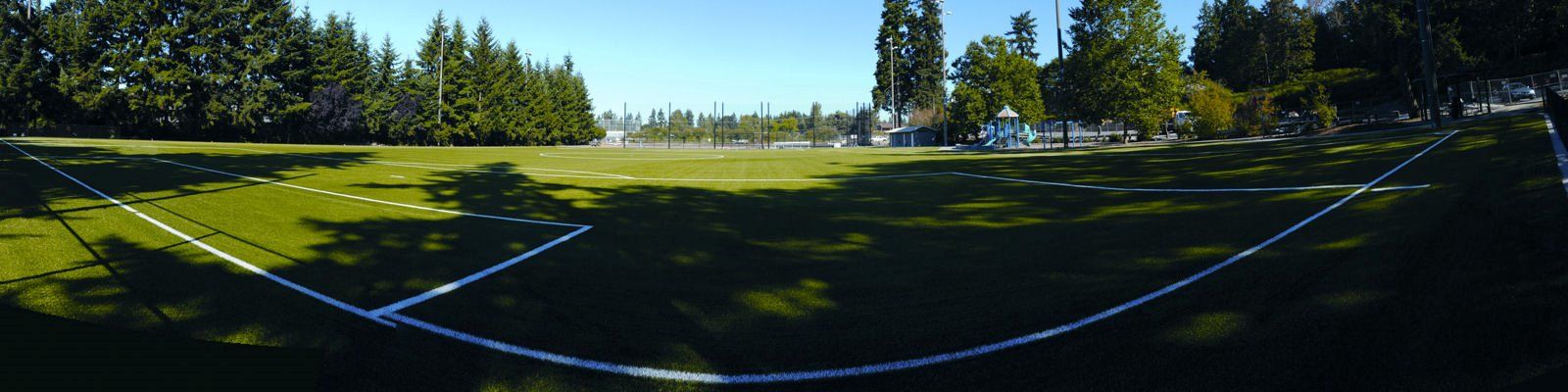
After using an athletic field, there are a few important steps to help ensure accurate records, resolve any issues, and prepare for future field use. This page provides quick links and guidance on reporting problems, requesting changes or credits, closing out your season, and getting ready for next year’s scheduling process.
Report issues
If something didn’t go as planned at the field, please contact the Parks Scheduling Office. Send us as many details as possible via email for follow-up. For example, scheduling conflicts, light issues, questions about game prep, etc.
Request field credit, due to poor weather, by submitting an Add/Update Field Reservations Spreadsheet.
Add more reservations
Review the Add, Change or Cancel a Reservation webpage.
Done for the year?
- Let the Parks Scheduling Office know that your group is done for the year, so that we can review your account and refund any remaining credit.
- Complete and submit a Post-Season League Report.
- Complete and submit the user survey - How Are We Doing? This is your opportunity to applaud what we are doing well or let us know about issues where improvements might be needed. Note: Even if you discussed concerns with the City during the season, this is another (and sometimes better) opportunity to bring it to our attention.
Prepare for next year
- Stay in contact with the Parks Scheduling Office. We include helpful information in our Auto-Reply from BallfieldRental@bellevuewa.gov which is updated every month or so.
- Review the Athletic Field Scheduling webpage for information about the next year.
- Provide updates to the Primary & Secondary Scheduling Contacts for the upcoming year.
- Watch for Field Scheduling Meetings for the upcoming year. These meetings are usually held in October.
- Submit requests on time. We begin accepting requests in the Fall for the following year. Review Request Submission Deadlines.